Due Today: P1 Final Share, On Medium: P2 topic exploration/ideation, content & info arch, 18 sketches + logo thumbs, 2 mood boards
For Today:
- P2 Share
- Discuss P1 revision opportunity
- Users Brainstorming / “Speed Dating” / Mobile Prototyping Workshop
P2 Prototyping Workshop
- Define User + Purpose WHO your user is, WHY they are coming, and WHAT they will need in the first 10 seconds.
Consider: key content and features, primary CTAs, credibility (social proof, details, trust signals), contact or access points, what makes this even unique for your audience. - Peer “Speed Dating” Short intervals of 3m each (6m per group).
Rotate and share your homepage concept with a new partner each round.
Start by explaining:- Your event’s purpose
- Your target audience
- Your conceptual direction
Your partner asks: - What is the #1 action the user should take?
- What is the first thing they see?
- What feels unclear or missing?
→ Revise your homepage idea between rounds based on feedback
- Define Your Homepage Blueprint: Clarify your positioning and structure.
Create:- 1-sentence event description (____ is the only ____ that _what makes your event different__.)
- 1 primary CTA
- 5–7 homepage sections (in order)
- 1 key engagement moment (visual or interactive)
→ This becomes your prototype blueprint
- Storyboarding for User Flow – Create a storyboard outlining how your user will move through interactions/pages on the site, with a focus on the hp. Focus on (1) why they came, (2), how the experience unfolds, (3) what actions they take.
Depict key interactions and navigation paths. Translate to protoype.
– Follow your section order exactly
– Show what happens in each section
– Include at least 1 interaction or decision point
Resources:
–https://creately.com/guides/user-flow-diagram/
– https://www.designkit.org/methods/35.html
–https://www.designkit.org/methods/journey-map.html
Prototyping Resources:
- 31 Questions Every Design Should Ask When Testing Prototypes
- Adobe XD Prototyping Guide, Step-by-step on linking screens, overlays, etc.
Project 1 Revision Opportunity (Optional)
Revision Deadline: Tuesday, April 28th @midnight
If you’d like to revisit your Project 1 with fresh eyes and new skills, you have the option to revise and resubmit your project to earn up to 6 bonus points on your original grade.
This is not a full re-grade, but a chance to reward thoughtful improvements—especially as you learn more about layout, design, and Webflow animation in the coming weeks.
What you can revise:
- Your Project 1 Webflow site
- Your presentation mockup, if you’ve improved the layout or design
- Your presentation video, if your final ended up too fast or awkward, you can resubmit (keep under 1m)
- You may also add interactions or animations learned later in the semester to elevate your project
What to Submit:
To “P1 Revision Opportunity for Bonus Points” folder on D2L
- Your updated Webflow live site link
- (Optional) Updated mockup and/or updated video presentation
- A short written reflection explaining:
- What you changed
- Why you changed it
- What you learned through the revision process
- This reflection is required to receive bonus points.
| Area | Points | Description |
|---|---|---|
| Layout/Structure Revisions | +0.5 to +2 | Improved layout logic, stacking, responsiveness, or content clarity |
| Visual Design Revisions | +0.5 to +1 | Stronger typography, spacing, color choices, or overall hierarchy |
| Updated Mockup or Planning Assets | +0.5 to +1 | Revised mockup to reflect improved design and structure |
| New Animation or Interaction Enhancements | +0.5 to +2 | Thoughtful use of transitions, hovers, or scroll effects that enhance usability or storytelling |
Important: Earning the full +6 points requires substantial, thoughtful revision across multiple areas. Small or surface-level changes will not receive the maximum bonus.
Project 2 Timeline:
- tr4.9 1 persona + lo-fi mobile prototype for user testing in class
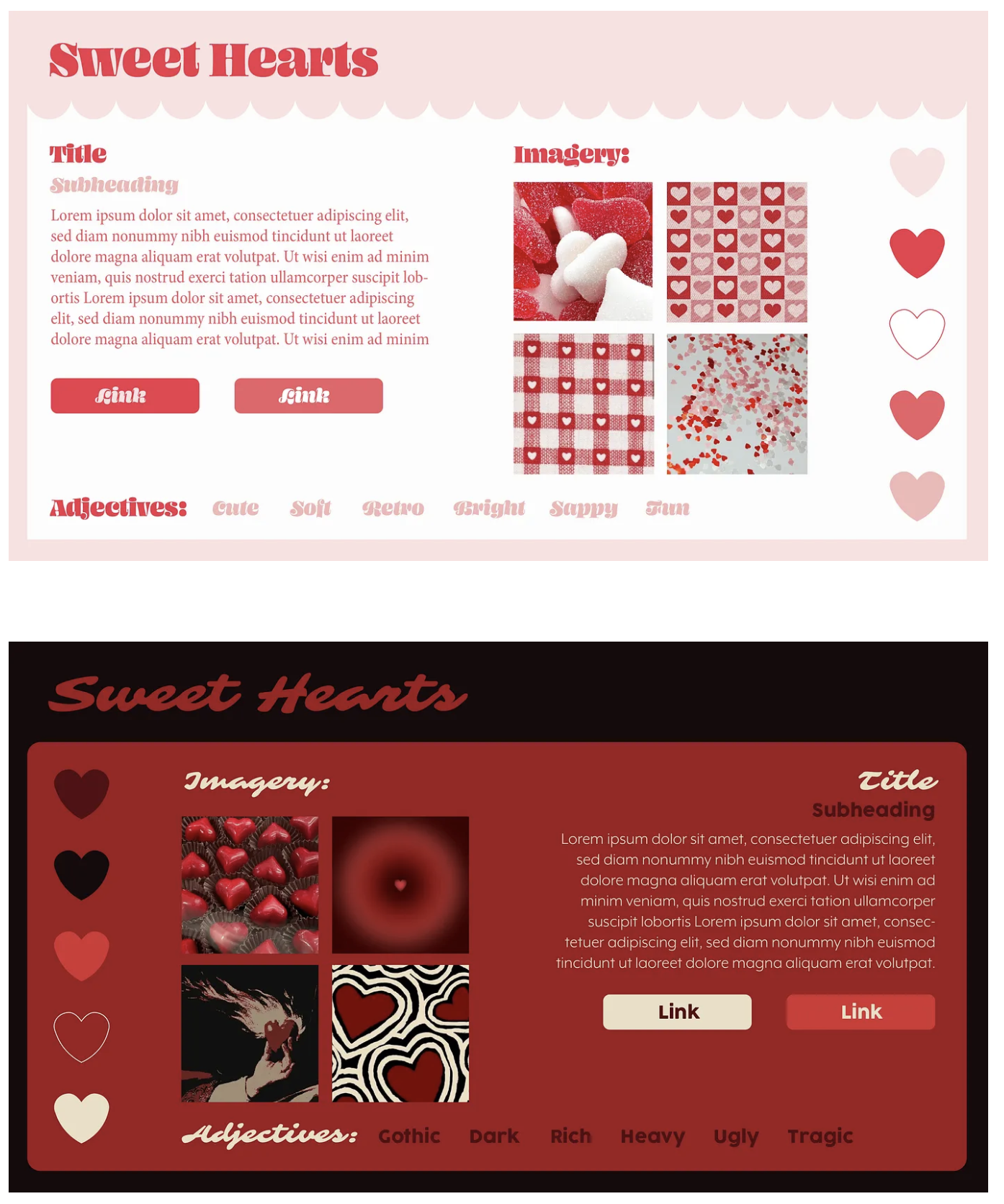
- t4.14 2 style tiles
- tr4.16 mobile/tablet/desktop mockups using selected style tile for homepage (3 mockups total + must include logo) – critique / 15 social media thumbs + ideation
- t4.21 homepage mockup revisions + subpage mockups – small crit
- tr4.23 development plan + wireframes
- Finals Week w 5.6@midnight Final Project Due Date
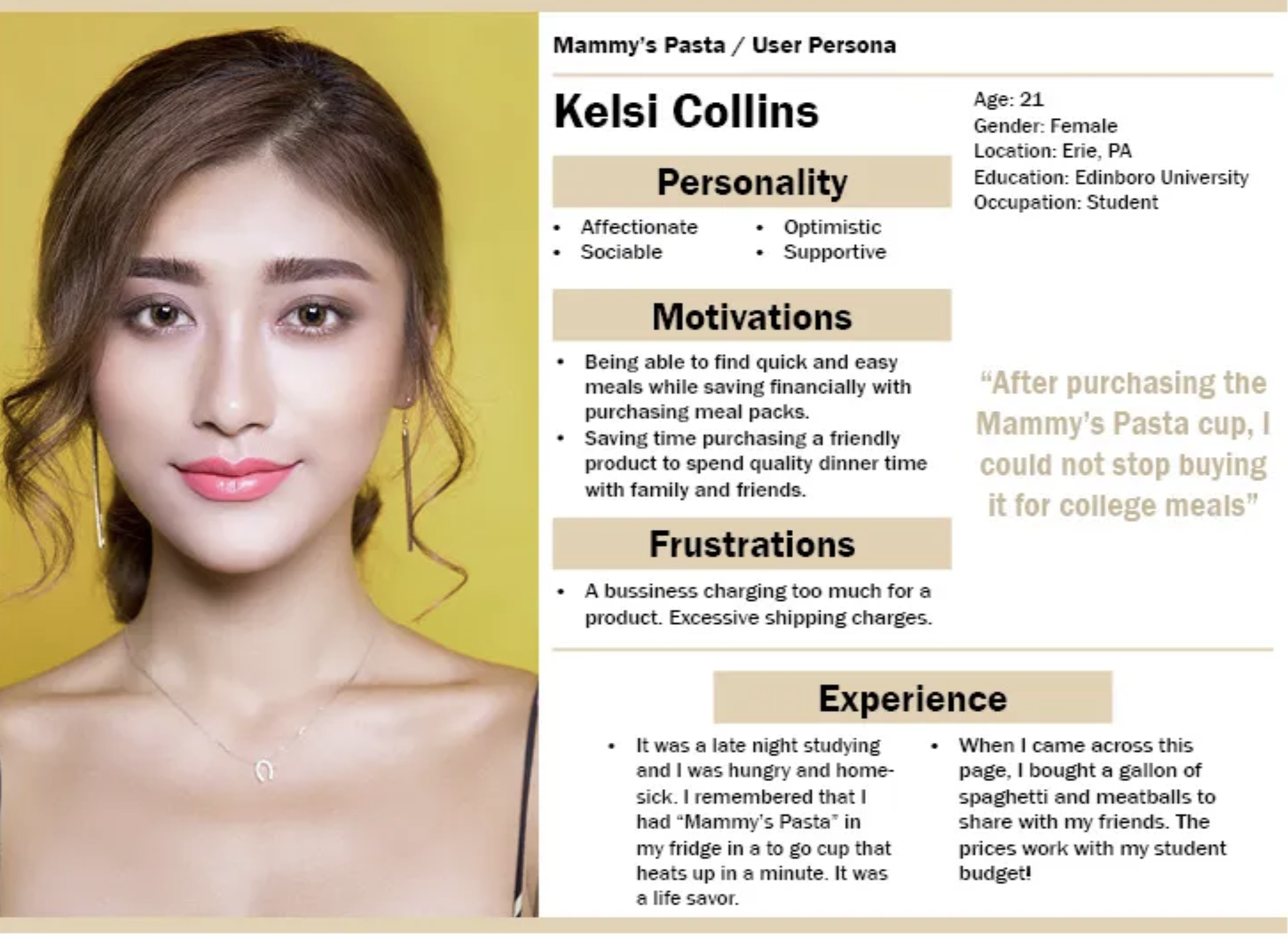
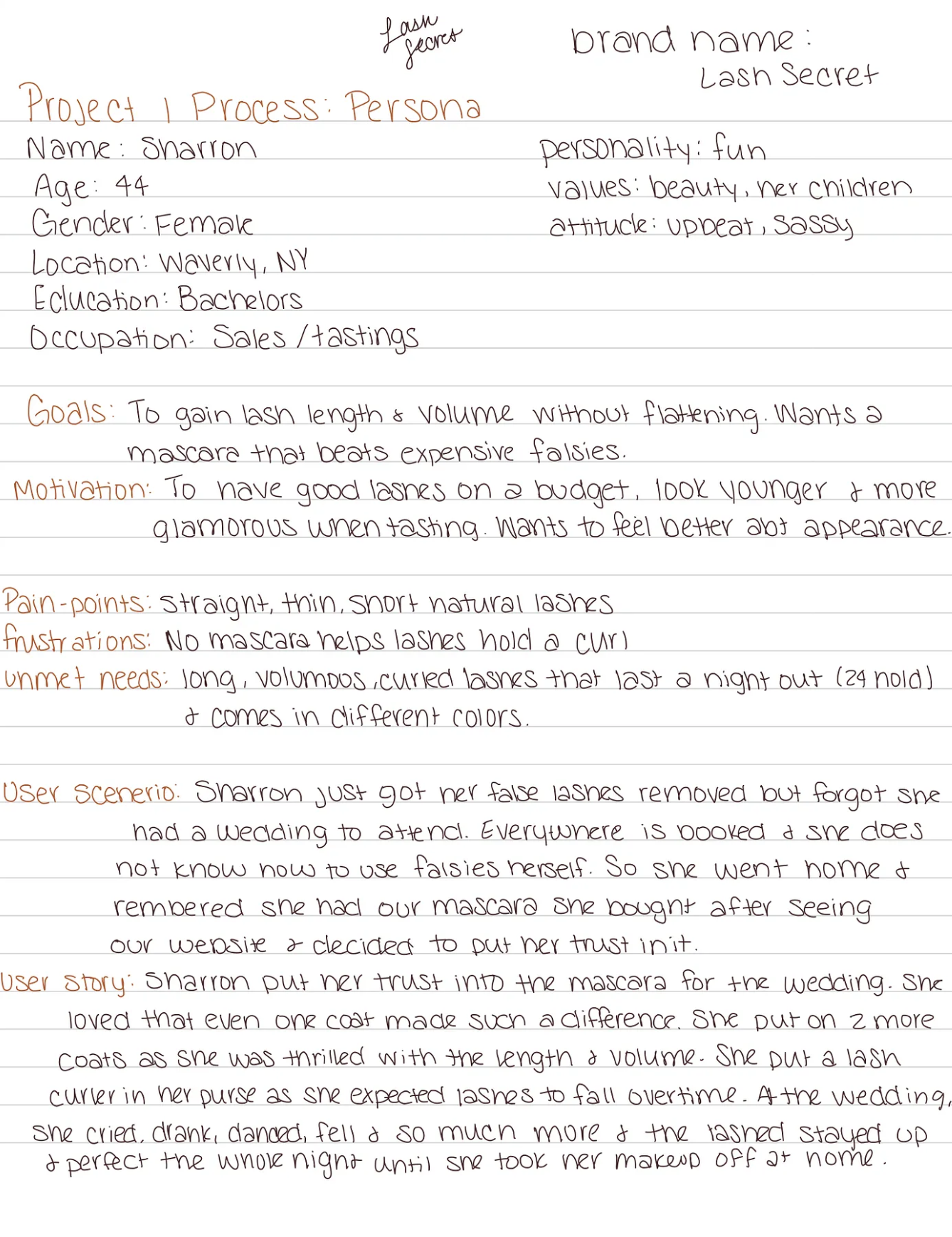
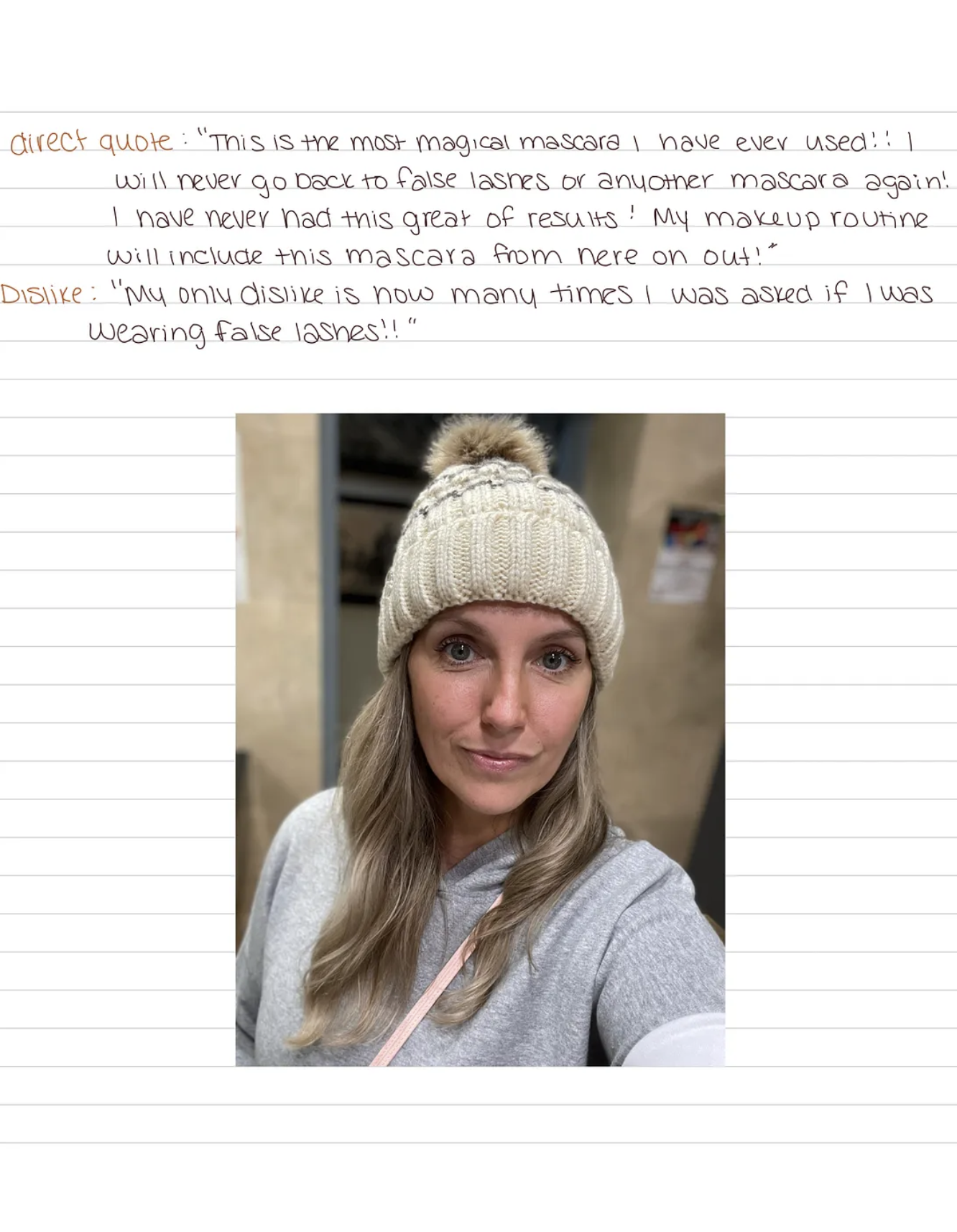
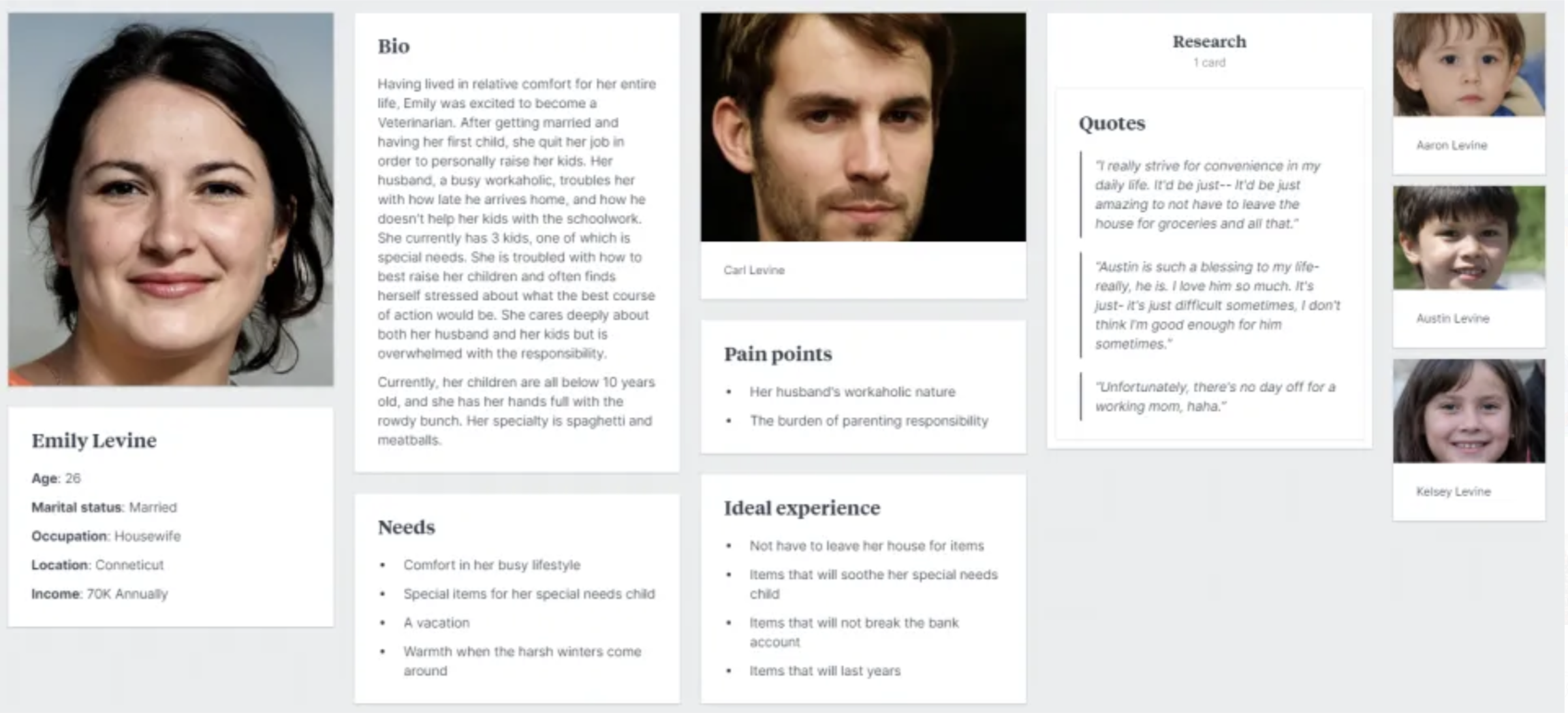
Persona
Due Next Class:
P2 Process:
- Persona: Research and create a user profile/persona for your target audience, or someone that would be interested in this event. Post to P2 Medium story.
- Adobe XD (mobile) Set up your lo-fi/mid-fi prototype in Adobe XD using (1) sketches or in (2) Illustrator or (3) create entirely/partially in XD. Link to your subpages to P2 Story on Medium (user testing in class on Thursday).
Next class, we will Complete User Testing (3–4 users)