📌 Weekly Structure (applies every week)
- Content Release: Mondays @ 11 AM(Tues @ 11 AM if holiday week).
- Deadlines: All assignments due Mon @ noon (or Tue when no Monday class)
- ZOOM : Optional. Monday review + critique (recorded). If no Monday class → prerecorded review + Wed @ noon live session.
- Critiques:
- Regular weeks: Mon @ noon → Wed @ noon
- No Monday class: Tue @ noon → Thu @ noon
- Use discussion board if not in ZOOM
- Remote Office Hours: Wednesdays, 11AM–1PM → Schedule Here
Week 11 Links & Notes
Live Sessions This Week:
👉 Join Live: Mon 3.30 @ noon(week 11 review)→ 🎥 [Join Here]
Will be recorded for those unable to attend live.
🎥 Watch: Mon 3.30 Weekly Review Recording → [Watch Here] (includes review of p1 self eval review + mockups)
Looking Ahead (Week 12)
Next live (recorded) session: Mon Apr 6th @ noon
This week’s deadlines
Monday, Apr 6th @ noon
- P1: Final Project 1 Due Date Publish in Webflow.
- P1 Final Submission:
- Submit final published link to D2L (Copy and paste site link to D2L Assignments > P1)
- Self Evaluation for P1 to “P1 Self-Eval” on D2L (linked to final grade)
- Upload presentation 1–2 page presentation mockup (PDF -and- png or jpg) “P1 Presentations Mockups” on D2L (Disregard the video creation portion for now.)
- Note: Review the Mockup Guide for guidance. We also go over this in the weekly review (above). The term mockup is used interchangeable. We are not re-designing out layout for project 1 or starting our project 2 layout mockups. We are creating a visual presentation for our portfolio for project 1.
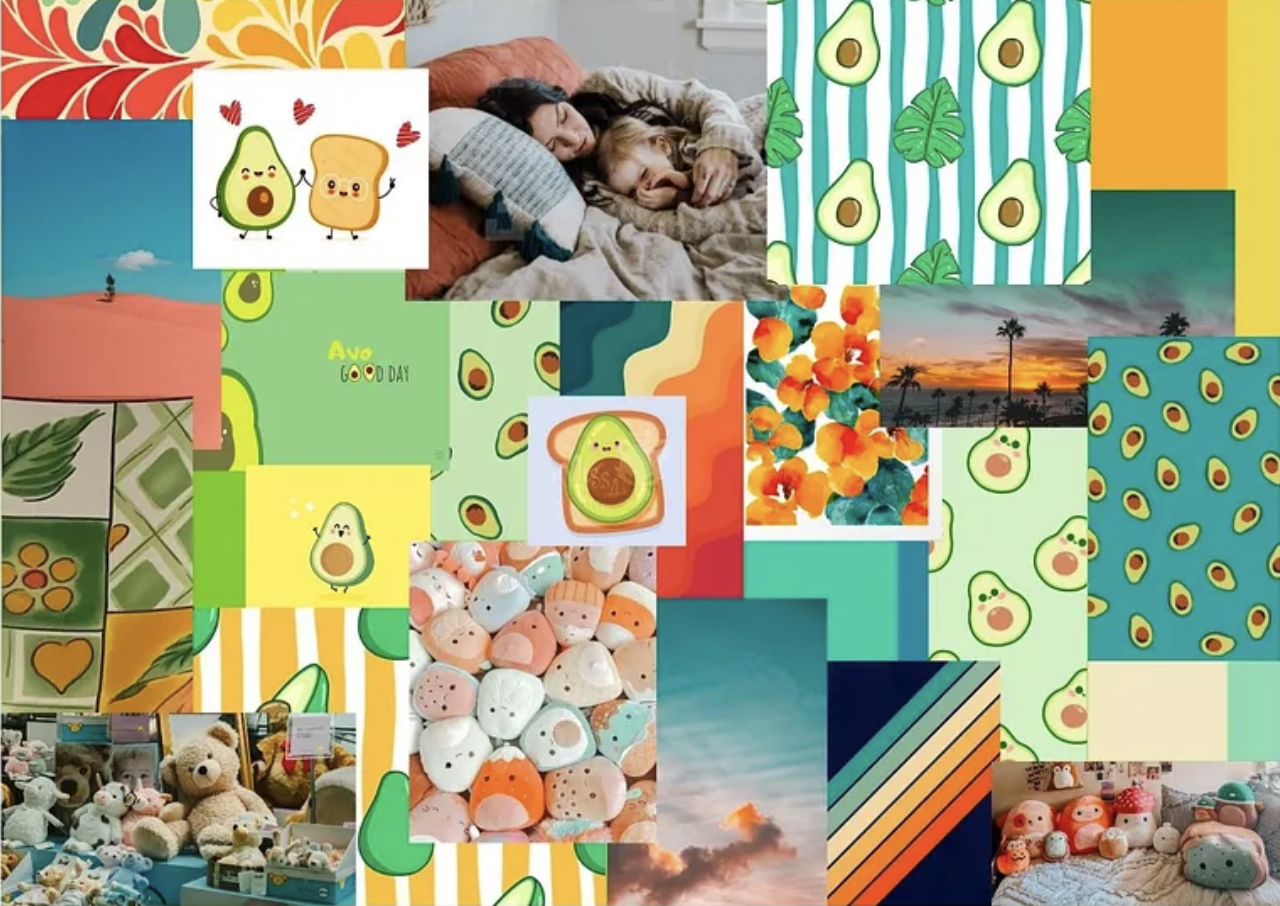
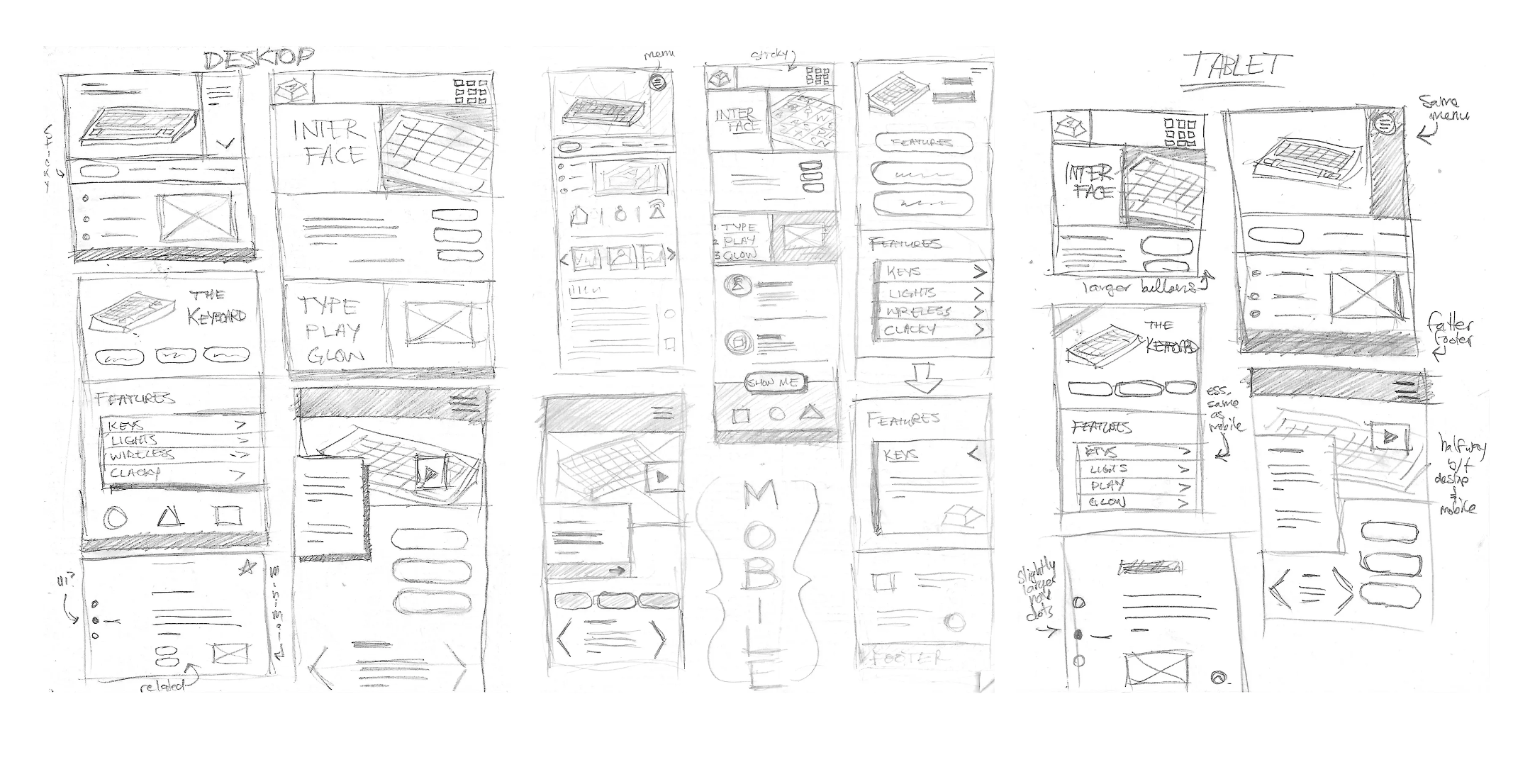
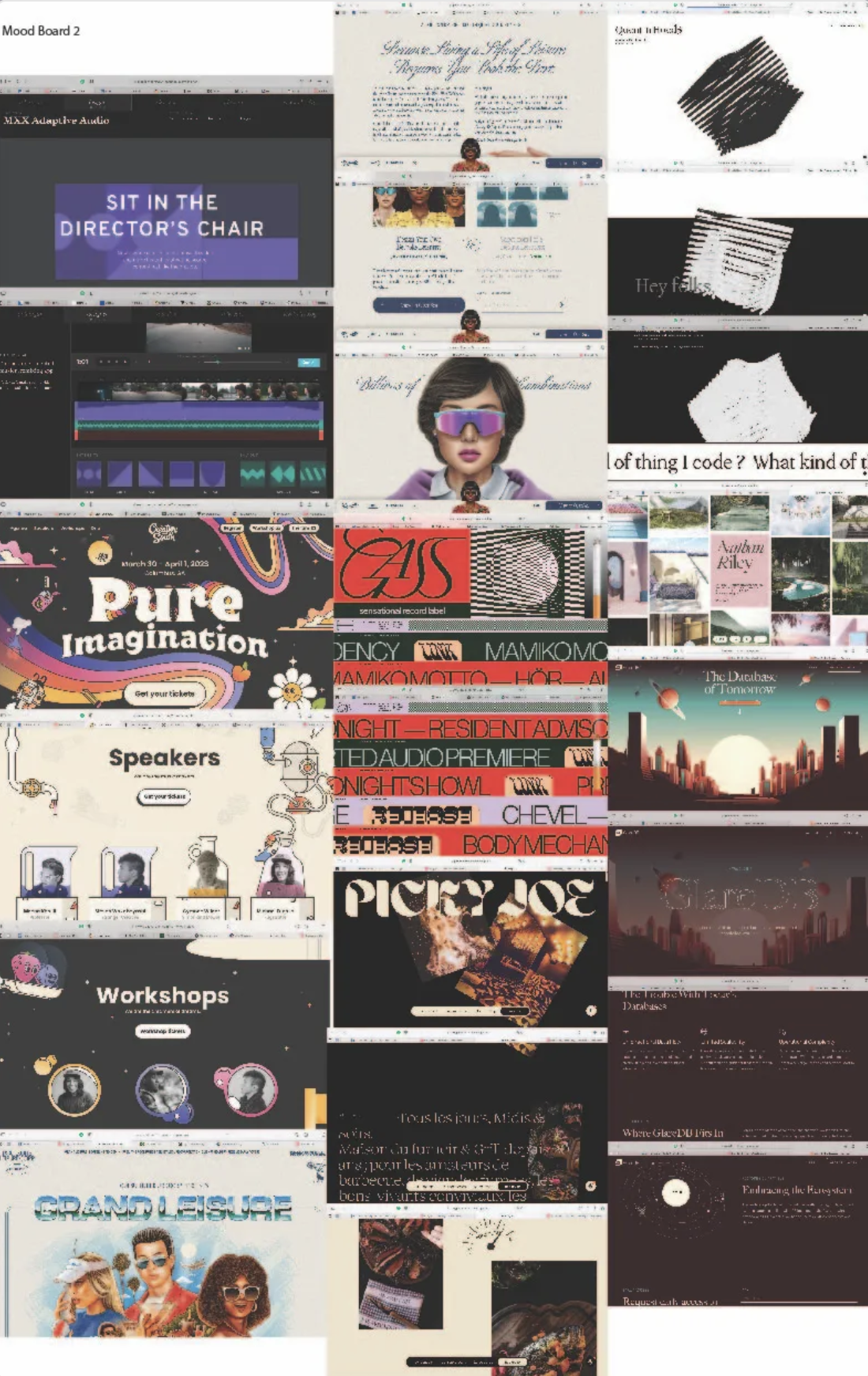
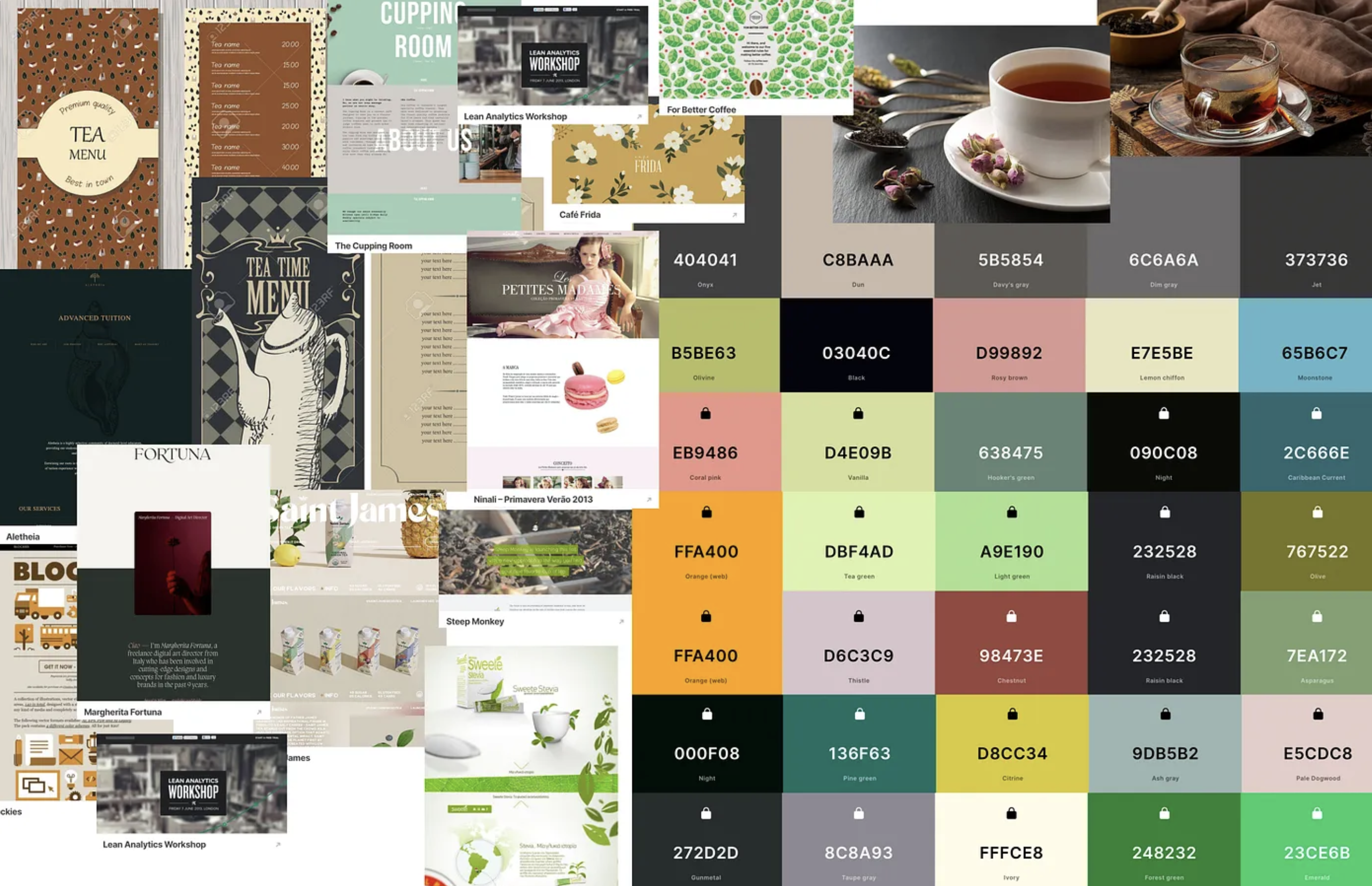
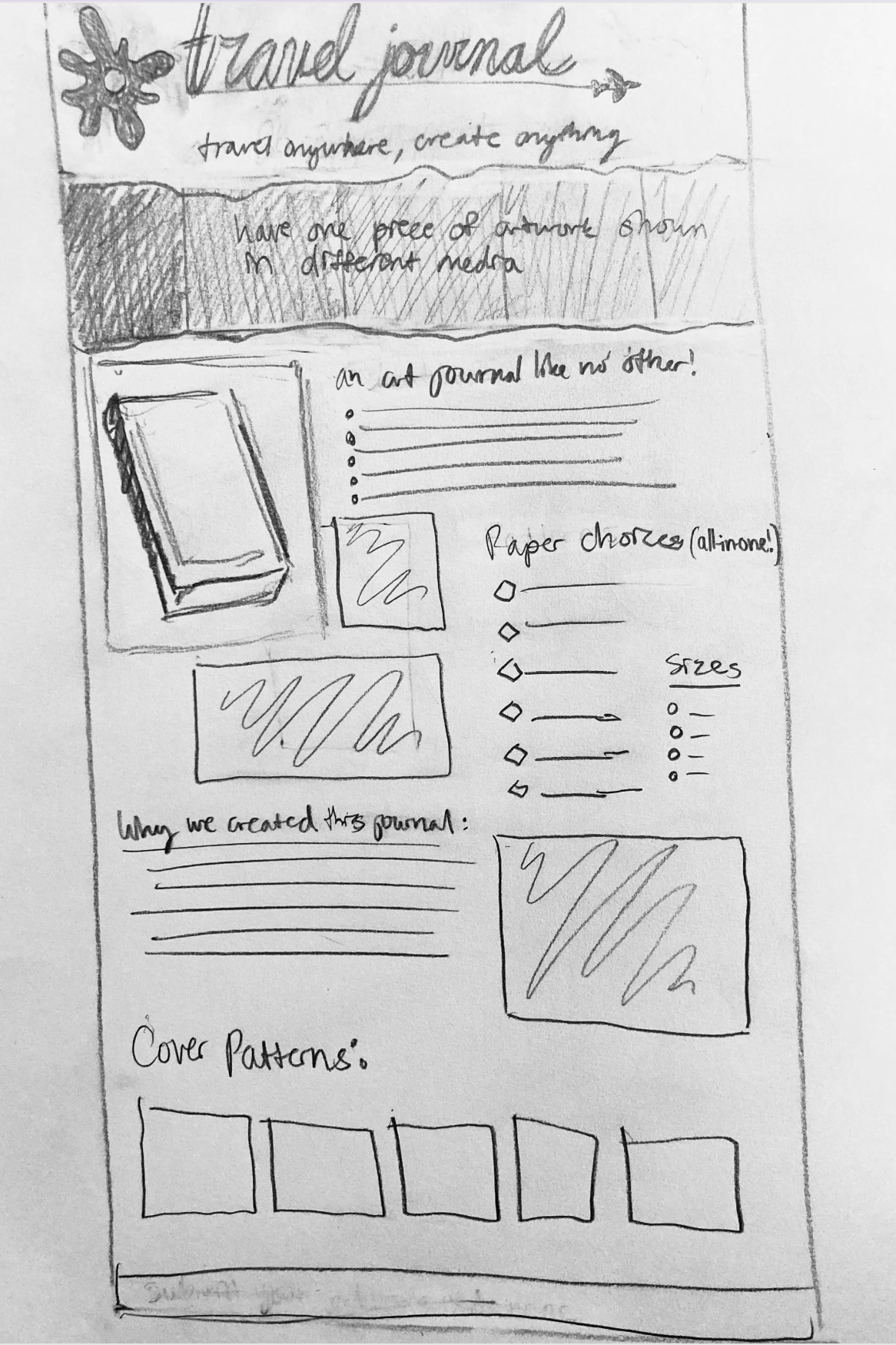
- P2 Process: Topic, 18 sketches (6 desktop/6 tablet/6 mobile), 2 mood boards, identity (logo) sketches (logo sketches can be late), & info architecture (sketch the overall site structure—what will live where?) to “P2 Story” on Medium
Last week, we developed P1
Next week, we will begin Warmup 6
Weekly Content
Week 11 (All items need to be complete by Monday @noon):
SECTION I – Event Website
- Discuss the Event Website
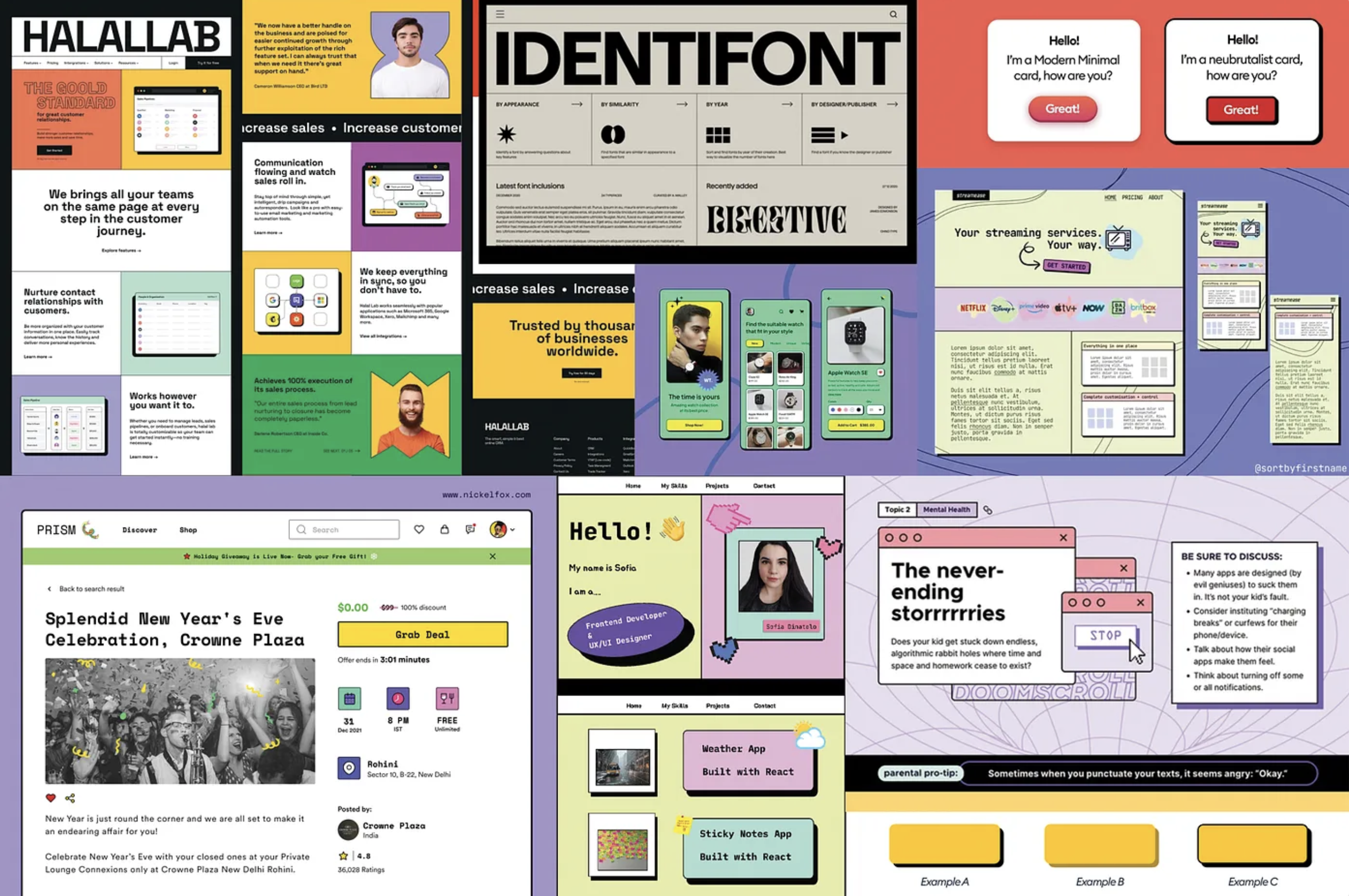
- Review Event Website Examples
SECTION II – Project 2 - Begin Project 2: Event Website
- Review Project 2 Timeline
- Due Mon. P2 Process: Topic, 18 sketches (6 desktop/6 tablet/6 mobile), 2 mood boards, identity (logo) sketches, & info architecture to “P2 Story” to Medium “P1 Story”
- Due Mon. P1 Mockups (1-2 pages) to “P1 Presentations Mockups + P1 Self Eval” on D2L – View Mockup Guide
-
Due Mon. P1 Self-Evaluation and Final Project – Upload to ” P1 Self Eval” on D2L (final website link also due published to p1 final submission link on d2L)
SECTION III – Webflow Introduction
- Continue Webflow training, as needed
SECTION I – Web Concepts
P2 is reviewed in our Weekly Review video above this week.
1. The Event Website
Event_WebsitesSECTION II – ASSIGNMENTS
3. Project 2: Event Website
due Tuesday – 5.5 @midnight
This week, we will begin our final Project 2: Event Website. we will brainstorm and select our idea for the first part of this week. Draft out the information architecture (pages) and the content or sections that will live on each page. We will move into sketching in the second half of the week. Next week, we will move into prototyping. Post to new Project 2 story on Medium.
- How is this event different from similar events?
- What are your top 3 goals for your target audience (inform the call to action)?
Inspiration: One Page Love Events
4. Project 2 Timeline:
m4.6 topic, 18 thumbs (6 mobile/6 tablet/6 desktop) + identity sketches + 2 mood boards (visual research)
m4.13 2 style tiles, 1 persona + lo-fi mobile prototype for user testing
w4.15 user testing feedback
m4.20 mobile/tablet/desktop mockups using selected style tile for homepage (3 mockups total + must include logo) – critique; social media kit thumbnails
w4.22 critique feedback; development plan + wireframes (blog 6)
t5.5@midnight Final Project Due Date
5. Project 2 Process:
5. Due Mon.
-
- Select topic and post to P2 Medium story.
-
- Content/ Information Architecture: Begin collecting content and organizing it into site navigation. Create an outline of the content and how you will arrive at that page. Your site must have a minimum of 1 subpage (including your home page) / OR 5 sections. Create digitally or physically and take photos. Post to P2 Medium story.
-
- 18 sketches (6 mobile, 6 tablet, 6 desktop) and identity sketches to “P2 Story” on Medium
-
- 2 mood boards on Medium
-
- identity sketches on Medium
-
- Select topic and post to P2 Medium story.
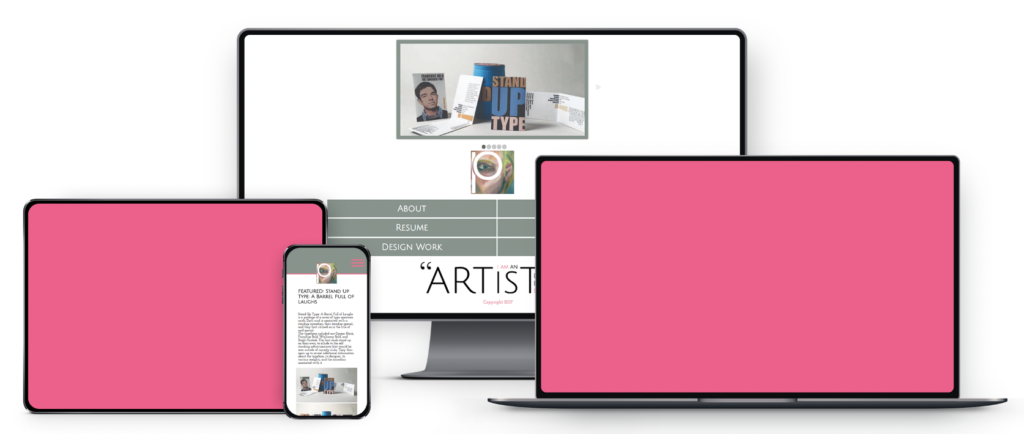
6. Mockups Please prepare a PDF (AND jpeg or png) of 2-3 pages, formatted for 1920x1080px, which can be presented in either portrait or landscape orientation. These mockups will not only be displayed in the hall but can also be scaled down (later) to 6.4″x 3.6″ (1920×1080 pixels) for your Flux Submissions in the Fall, ensuring a seamless transition from print to digital. Each mockup should include (reference Download: MOCKUP FILES for folios and inspiration).
-
- your full name
-
- Project 1: Typographic Storytelling
-
- Associate Professor: Cass Reese
-
- Web Design
-
- Term: Spring 2025.
-
- To provide context, integrate a brief, descriptive sentence about your concept within the design. (Reference our last blog)
-
- Screenshot all work on the server in its developed form before creating mockups. As an alternative to taking a screenshot of your live website, you may want to install a screen capture plugin on your browser.
You should upload JPEG to your Medium for viewing & PDF to D2L for downloading.
SECTION III – Webflow
-
- Continue Webflow Training, as needed.