📌 Weekly Structure (applies every week)
- Content Release: Mondays @ 11 AM(Tues @ 11 AM if holiday week).
- Deadlines: All assignments due Mon @ noon (or Tue when no Monday class)
- ZOOM : Optional. Monday review + critique (recorded). If no Monday class → prerecorded review + Wed @ noon live session.
- Critiques:
- Regular weeks: Mon @ noon → Wed @ noon
- No Monday class: Tue @ noon → Thu @ noon
- Use discussion board if not in ZOOM
- Remote Office Hours: Wednesdays, 11AM–1PM → Schedule Here
Week 13 Links & Notes
Live Sessions This Week:
👉 Join Live: Mon 4.13 @ noon(week 13 review)→ 🎥 [Join Here]
Will be recorded for those unable to attend live.
🎥 Watch: Mon 4.13 Weekly Review Recording → [Watch Here]
Looking Ahead (Week 14)
Next live (recorded) session: Mon Apr 20th @ noon
This Week’s deadlines
Monday, Apr 20th @ noon
- P2 Process Work: homepage + subpage design + logo (3 sizes) or ALL sections of single-page design– 3 sizes on one design – to Medium and P2 Collaborative Critique). For Subpage Mockups, pick ONE page to design! (mobile/tablet/desktop subpage mockups based on homepage design—must include logo) upload ALL work to Medium and S26_Project2_DesignProcess. Include homepage revisions. Review the subpage tips below. –this preparation is graded
- Discord Prompt #5: Design Details (our last Discord prompt)
- Edit: Due to changes in the Webflow interface, we will officially begin warmup 6 next week.
For THIS Wednesday: - P2 Process: 2 style tiles feedback to Medium and S26_Project2_DesignProcess
Extended to Friday 4.17 @midnight:
- User Testing Feedback on D2L for 3-5 users (Discussion Board: P2 Prototyping) + Review feedback and post 3 changes you plan to make from user testing feedback to Medium.
Last week, we worked on P2 ideation.
Next week, we move on to P2 development and Blog 4.
Late work reminder:
– Final submission cutoff: No work will be accepted after Fri, May 1 @ 11:59 PM.
– Any late assignment submitted on May 2nd or later will receive a zero (0).
Weekly Content
Week 13 (All items need to be complete by Monday)
SECTION I – Interactions
- Interactions content moved to next week.
SECTION II – Project 2 - Due next Mon. 4.27 Warmup 6 (content moved to week 14)
- Continue P2: Event Website
- Due Mon. 4.20 P2 Process: Homepage (phone, tablet, desktop) and Subpage (where applicable) Mockups to “P2 Story” on Medium and S26_Project2_DesignProces
- Due Fri. 4.17 – extended deadline – P2 User Testing Feedback on D2L for 3-5 users (D2L Discussion Board: Project 2 – Event Website > Prototyping User Testing)
- Discord Prompt #5: Design Details
- Due Wed. 4.15 Style tile peer feedback S26_Project2_DesignProcess
SECTION III – Webflow, Continued - Continue Webflow training focusing on Interactions + Review HTML Video Concpts
SECTION I – Web Concepts
Note: Webflow changed the look of the interface for interactions this term. Cass will be revising the video tutorials and we will officially begin warmup 6 and animation content next week. In lieu of moving the animation content, please review these event website considerations:
Event Website Considerations:
- Within the first 5s, can someone instantly answer “what is the event” / “when is it” / “where is it” / “how do I get tickets?” – what is one action you want the user to take?
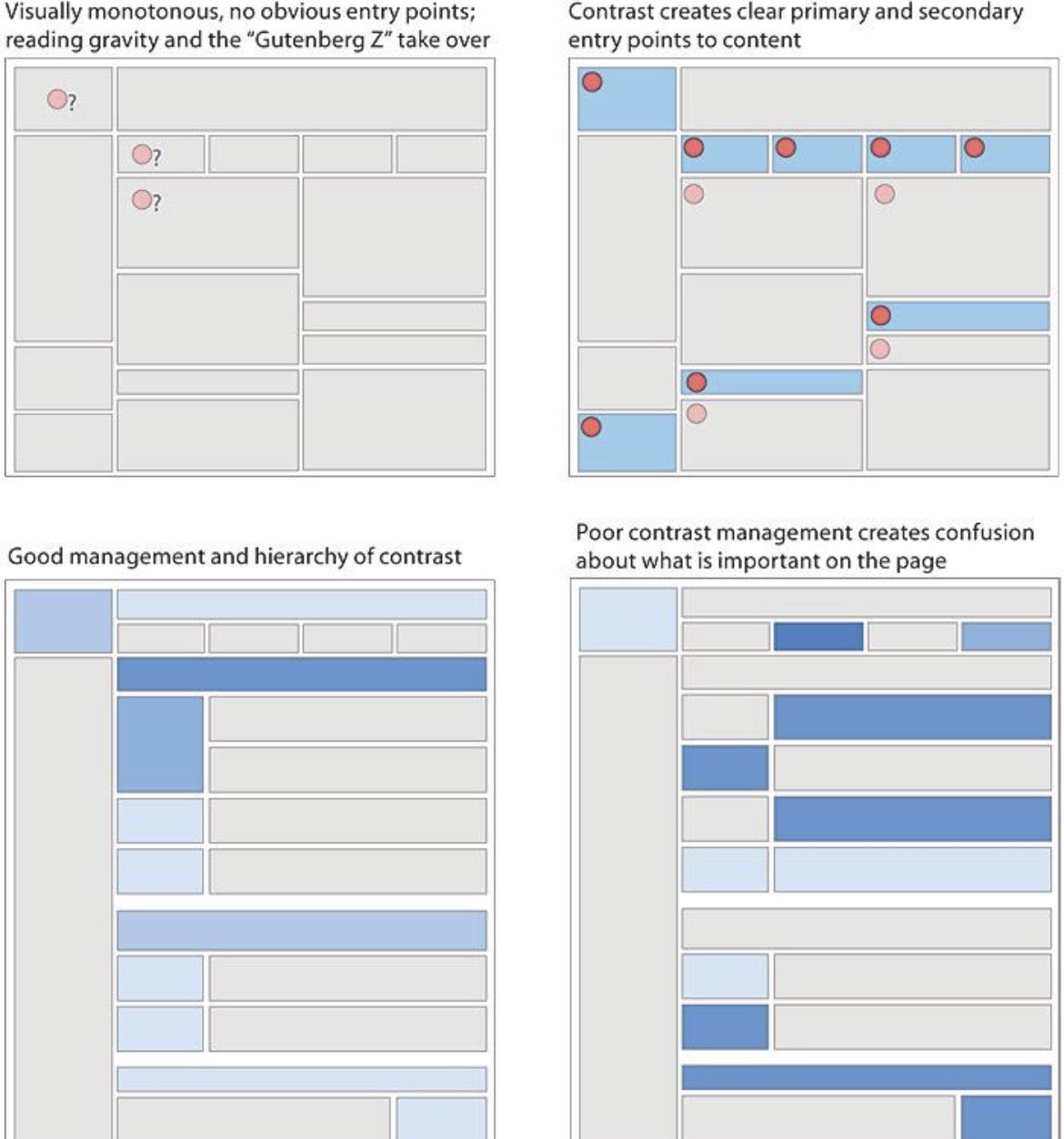
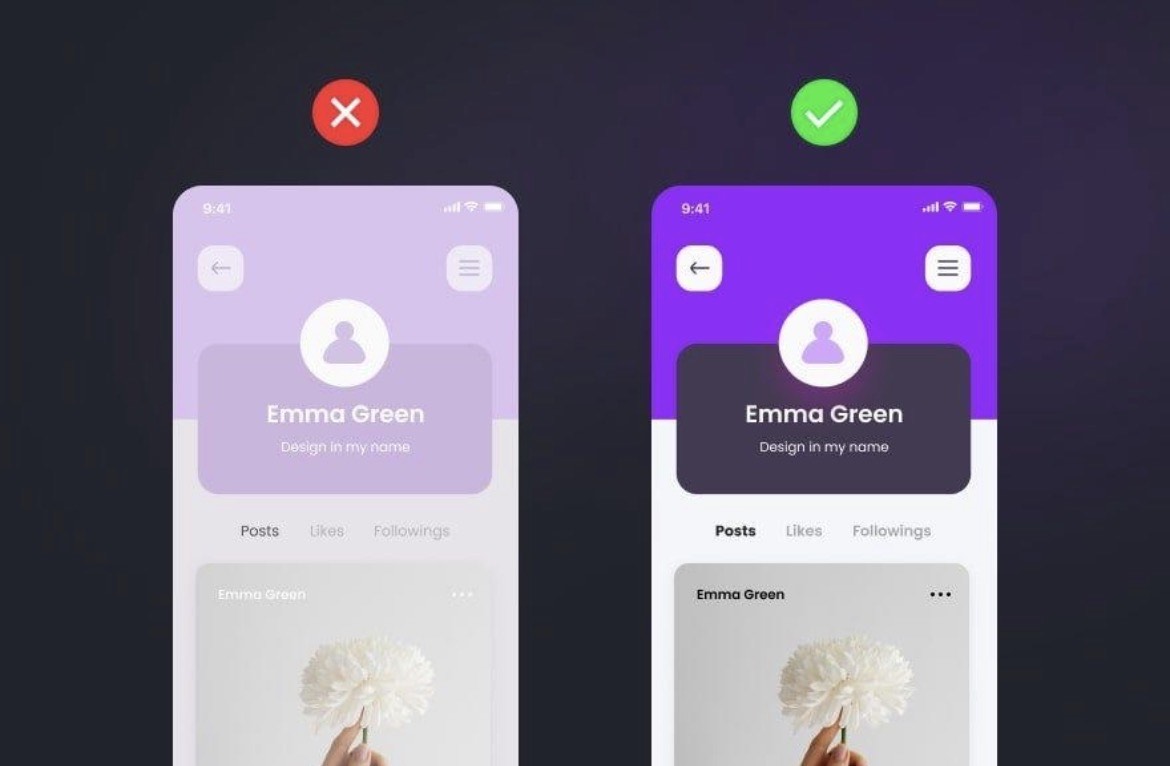
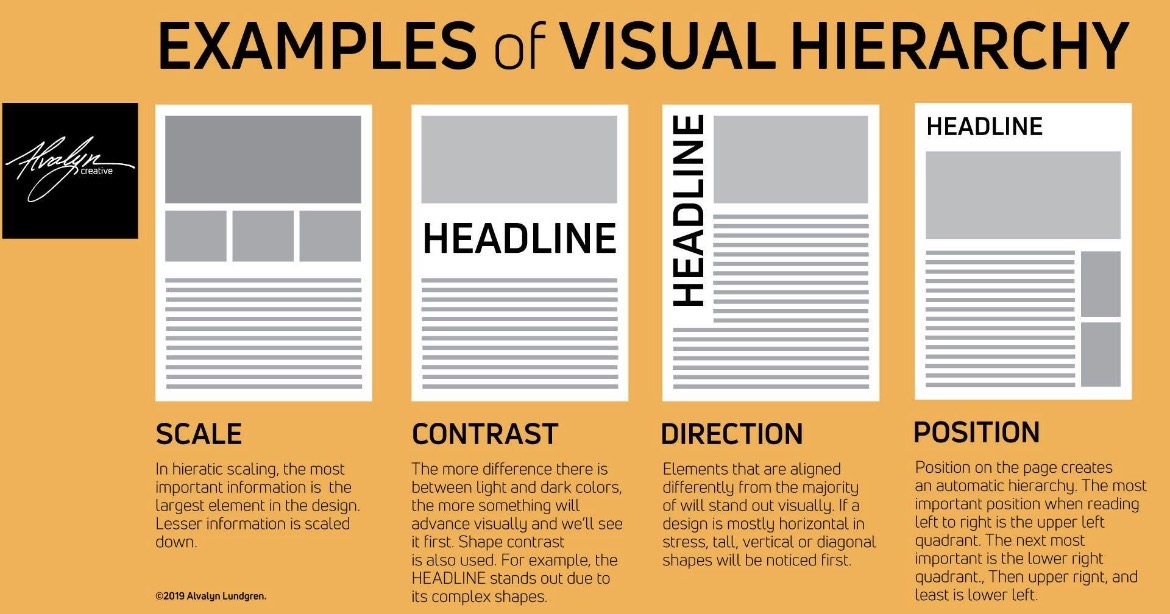
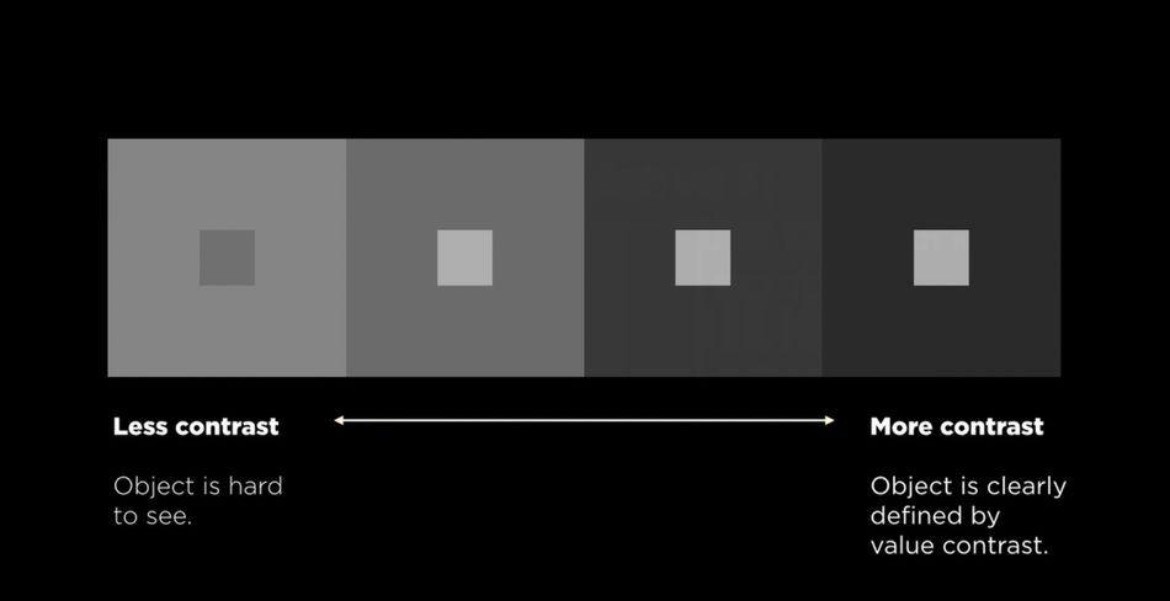
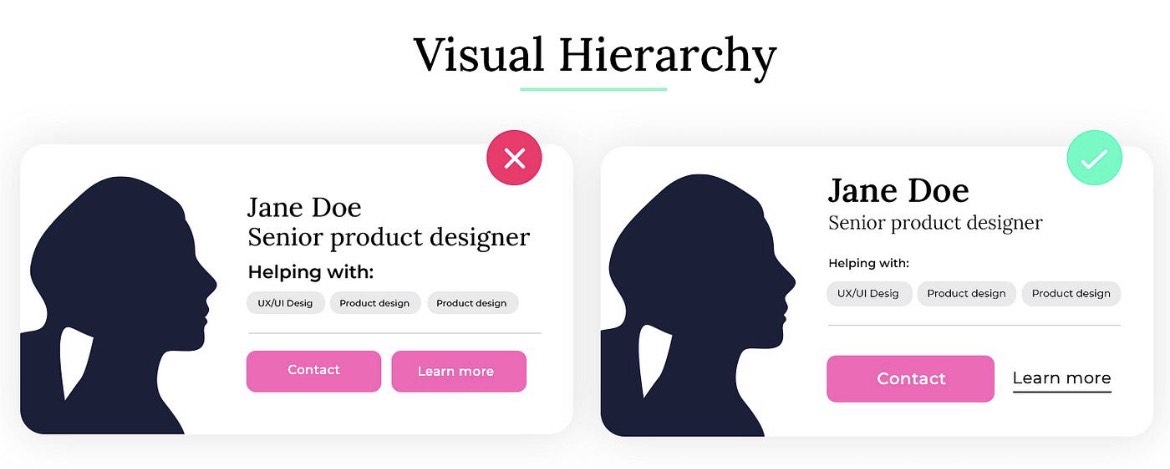
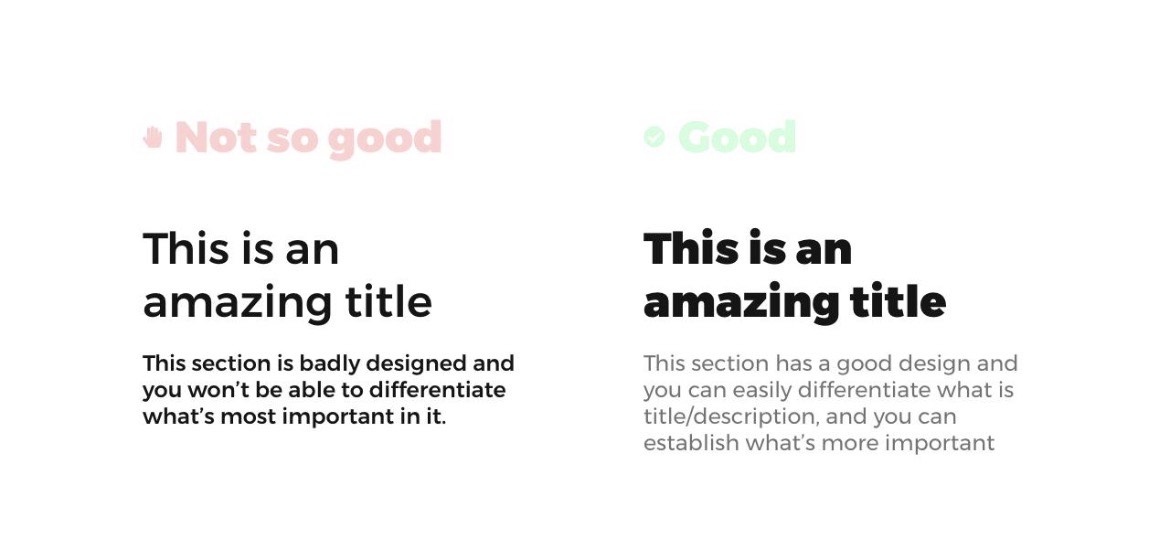
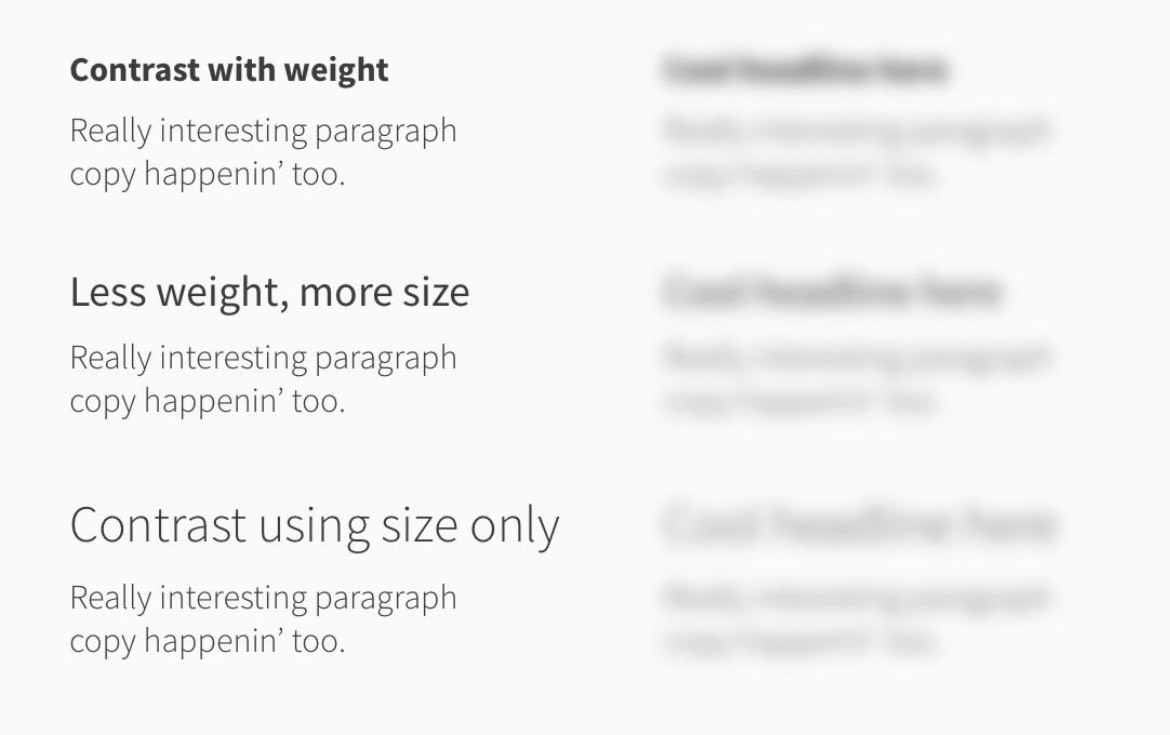
- Build hierarchy with value, not just size. Contrast is not always a bigger font, consider light vs. dark, spacing, density.
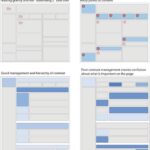
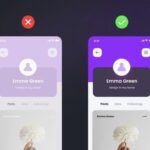
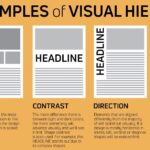
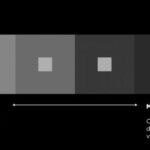

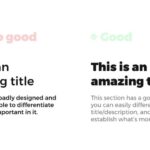
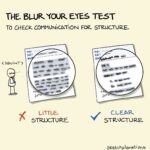
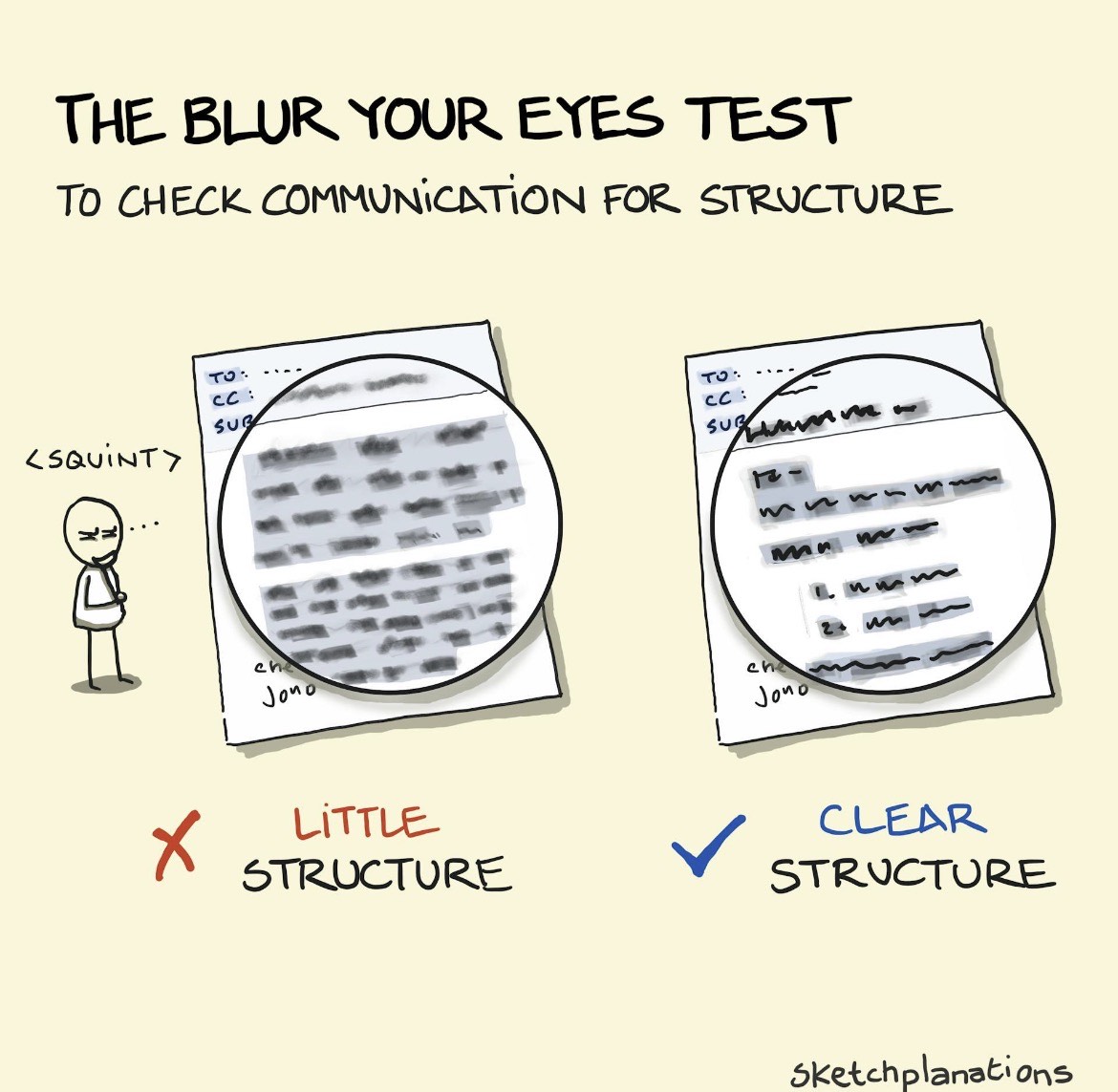
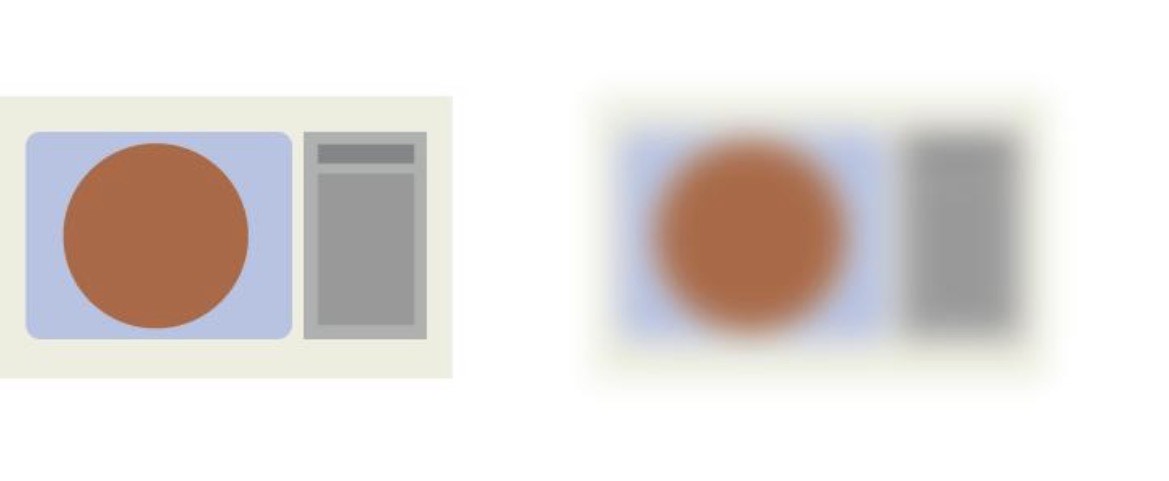
- Squint test. Squint to discern hierarchy.
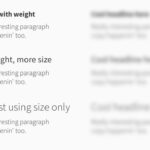
- Design the scroll like a story. Consider rhythm and pacing. You want buildup > pause (whitespace) > emphasis moments > variation. Ask yourself where the page breathes and where it hits.
- Group related content aggressively. Things that are related should feel visually bonded. Rule: proximity=relationship. Avoid: everything floating, weak grouping
- Make buttons / interactive moments impossible to miss. Avoid hiding making them the same color as everything else. CTA should have strong contrast, repeat consistently, feel clickable. Ask: Can I find this button in under 1 second?
- Limit the palette, expand the values. Use 2–3 strong base hues with multiple tints/shade. Show more control over fewer colors.
- Use imagery with intention (not decoration). Images should set tone, support content, feel cohesive. Avoid: random filler, mixed styles
- Align everything. Design is 50% alignment and spacing discipline. Look for inconsistent margins, drifting edges, uneven spacing.
Misalignment = amateur feel - Design for clarity before personality. We tend to jump towards the expressive, but remember that if it’s confusing it fails. We are designing to help someone navigate, decide, and act.
8. Review: HTML5 Video: (optional: textbook extension for reading + review)
Duckett Textbook example – ch.09: https://www.htmlandcssbook.com/code-samples/chapter-09/adding-html5-video.html
w3schools | Tryit Editor
- HTML5 Tags :
- <video> defines a video or movie
- <source> references media elements, such as <video> and <audio>
- <track> defines text tracks in media players
- Provide a width + height attribute. “Always specify both the height and width attributes for videos. If height and width are set, the space required for the video is reserved when the page is loaded. However, without these attributes, the browser does not know the size of the video, and cannot reserve the appropriate space to it. The effect will be that the page layout will change during loading (while the video loads).” —w3schools
- Any text placed between the <video></video> tags will only display in browsers that do not support <video> tags.
- There are 3 supported video formats for the <video> tag:
- MP4: Edge, Chrome, Firefox, Safari, Opera
- WebM: Edge, Chrome, Firefox, Safari, Opera
- Ogg: Edge, Chrome, Firefox, Opera
- Fallback: Add multiple <source> elements to reference different video formats (above) for each browser.
- Attributes can be added to the <video> tag.
- autoplay: automatically plays the video on load.
- poster=”/source”: preloads an image over the video player before streaming.
- preload: “none” will not preload any information to the user, “metadata” will preload duration and dimensions (best), “auto” allows the browser to choose
Responsive Video Resources:
3. Warmup 6 – due the following Monday 4.27 @noon
Note: Webflow changed the look of the interface for interactions this term. Cass will be revising the video tutorials and we will officially begin warmup 6 and animation content next week. No need to begin warmup 6 until next week.
Within warmup 6, we will trigger animations. We will begin by setting up a new site in Webflow and setting up an image grid and sections for each interaction.
- Interaction One: (1 pt) Using the hover trigger, set an animation where all three photos blur in on mouseover and blur our on mouse out.
- Interaction Two: (1 pt) Using the element “scroll into view” trigger OR page “scroll” trigger, create an animation where all three photos fade in (0%-100% opacity) and move upwards as the images move into the center of the screen. (note: in the video, I demo page triggers for comparison, but you might have better results with the element trigger.)
- Parallax: (.5 pt) Set a background image to a fixed position to create the parallax effect.
- Create your own interaction (2.5 pts) using your own content (images, buttons, photography). You can use this as an opportunity to experiment with something you would like to try with your own website.
- Publish your link and submit to D2L via “Warmup 6” Submission Folder. (D2L has limitations with just submitting links, so please also submit a screenshot or the link in a text file to process).
SECTION II – assignments
4. Project 2: Event Website
This week, we are continuing P2 with the design of our homepage and subpage mockups. You have the choice if you wish to use DW or Webflow to develop your final project. We will end the week revising our P2 homepage designs and completing revisions and subpage mockups & logo designs
Project 2 Timeline:
w4.15 user testing feedback
m4.20 mobile/tablet/desktop mockups using selected style tile for homepage (3 mockups total + must include logo) – critique; social media kit thumbnails
w4.22 critique feedback; development plan + wireframes (blog 6)
t5.5@midnight Final Project Due Date
Project 2 Process:
5. Homepage Mockups Due Mon
Using your user testing feedback, create 3 sizes (phone -1260px+, tablet -768px, desktop-320px), of your top design from your strongest style tile + sketch designs. This is a homepage design and should include the header (logo and tagline), potential content leads into the site, and clear use of a footer. Refer to this article to inform different types of content that can exist on a homepage. Consider the content that will go on the homepage before starting to design. Post to Project 2 Story on Medium and P2 Collaborative PPT.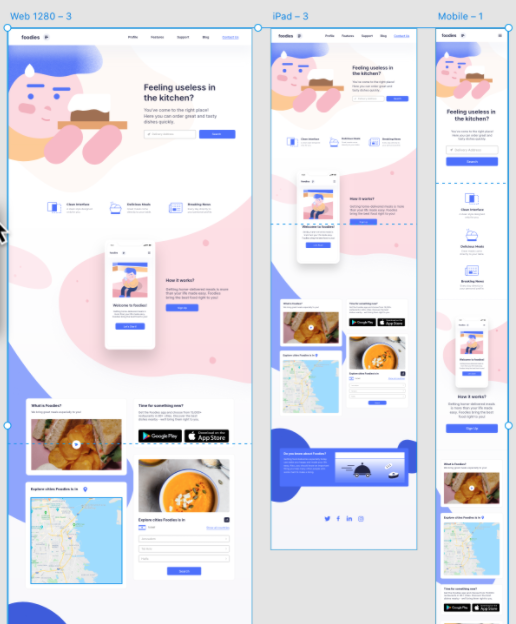 Source: https://docs.animaapp.com/v3/adobe-xd/prototype/breakpoints.html
5. Subpage Designs Due Mon
Pick ONE page to design! (mobile/tablet/desktop subpage mockups based on homepage design—must include logo) upload ALL work to Medium and P2 Collaborative PPT.
Subpage Design Tips
Through search engines, many users will enter your site through a subpage. Knowing this, it is essential to not confuse users and clearly communicate/organize the content they are looking for. Here are some tips for Creating a Successful Subpage Design:
-
-
- Keep the logo and the main navigation consistent between mockups. Also consider keeping the footer consistent, as well.
- If your navigation has multiple tiers of information (i.e. Our Menu > Drink Specials), consider making the secondary navigation visible on your subpage mockups.
- Subpages should give a clear, immediate impression regarding where the user is and what the page is about. One way to do this would be with a prominent heading of some type.
- Consider if/how images will be portrayed for each subpage.
- Shorten the length of your body copy, or measure, to ease readability.
-
7. Discord Prompt #5: Design Details
2pts (1pt initial post / 1pt comments)
As you work on your mockup this week, share one small design detail you’re experimenting with or feeling curious about. This could be:
- A type pairing you’re testing
- A button or color combo you’re unsure about
- A layout treatment you’re sketching
- An interaction or hover idea you’re considering
Post a quick screenshot, description, or sketch (it can even be hand-drawn or rough!) and include:
- What you’re trying to achieve
- What you’re unsure about, or what you’re excited by
Participation (1pt):
Reply to at least one classmate.
Let them know what you like about their direction or offer a gentle suggestion if something feels unclear. Keep it encouraging, honest, and design-focused!
SECTION III – technical
9. Webflow, continued
We will continue learning Webflow, in class, as needed. In addition, I would like you to watch these two videos (from image below):